
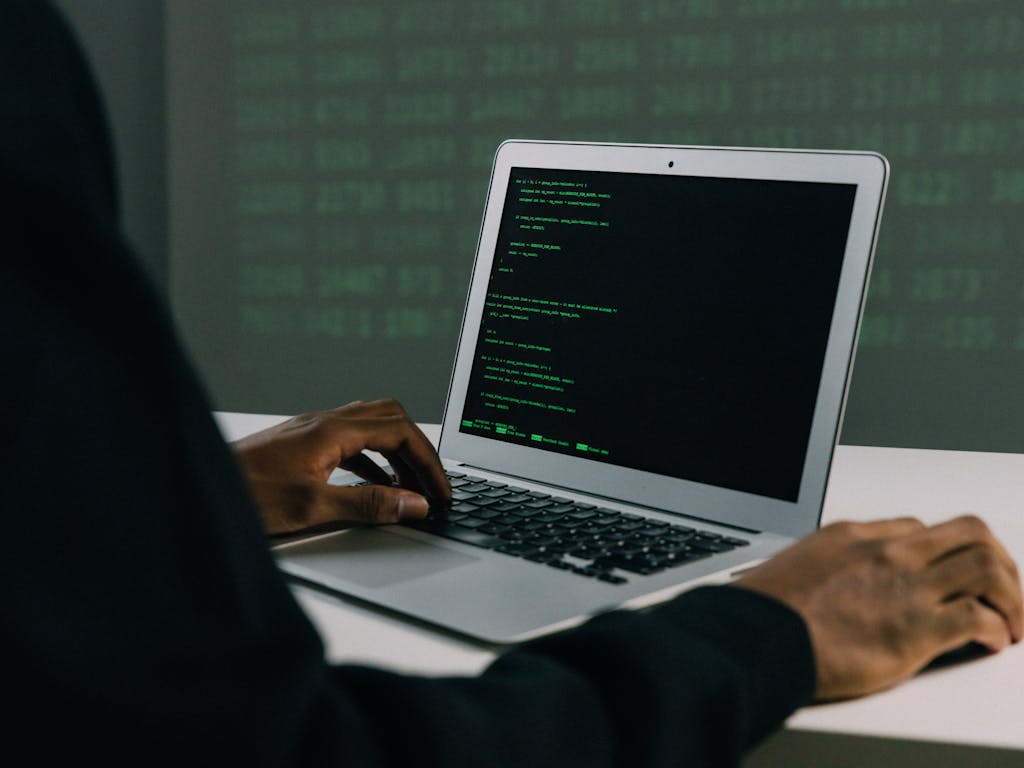
Laptops have become indispensable for work, education, and entertainment in an era of digital connectivity. However, with this increased reliance on technology comes the heightened risk of security threats. From malicious software to potential physical theft, safeguarding your laptop and sensitive data is paramount. In this blog, we’ll explore practical tips to fortify your device and protect your valuable information.
Strong Passwords and Biometric Authentication
The first line of defense for your laptop is a robust password. Avoid easily guessable combinations and mix uppercase and lowercase letters, numbers, and symbols. Additionally, many modern laptops come with biometric authentication features such as facial recognition or fingerprint scanners. This adds an extra layer of security, making it harder for unauthorized users to gain access.
Keep Your System and Software Updated
Regularly updating your operating system and software is important for maintaining a secure computing environment. Developers release updates to patch vulnerabilities and enhance security features. Set your system to automatically install updates or check for updates regularly to ensure you’re running your software’s latest, most secure versions.
Install Reliable Security Software
Invest in reputable antivirus and anti-malware software. These programs can detect and neutralize potential threats before they compromise your system. Keep the software updated and perform regular scans to catch any emerging issues.
Utilize a Virtual Private Network (VPN)
When connecting to public Wi-Fi networks, your data is vulnerable to interception by malicious actors. A VPN encrypts your internet connection, ensuring your online activities remain private and secure. It adds an extra layer of protection against potential cyber threats, whether you’re at a coffee shop or an airport.
Data Encryption
In the unfortunate event that your laptop is lost or stolen, having encrypted data adds a barrier against unauthorized access. Most operating systems offer built-in encryption tools, and it’s advisable to enable them to safeguard your sensitive information.
Backup Regularly
Data loss can occur for various reasons, including hardware failure, theft, or accidental deletion. Regularly backup your important files to an external hard drive or a cloud-based service. This ensures that your critical data remains intact and can be easily restored even if your laptop is compromised.
Exercise Caution with Email and Web Browsing
Phishing attacks are a common method cybercriminals use to gain access to sensitive information. Be skeptical of unsolicited emails and avoid clicking on suspicious links. Always verify the authenticity of emails, especially those requesting personal or financial information. Use secure and reputable websites for online activities, and be cautious about downloading files from unknown sources.